The best way to hide Reolink Argus 4 Pro on greenhouse frames is to paint the camera body in a matte, polycarbonate-safe color that matches your aluminum or galvanized purlins, then mount it inside the ridge cap or along a corner brace where condensation, shade cloth, and tomato vines break up its silhouette. Pair that with a low-glint solar panel tucked behind a louver vent, route the cable through an existing bolt hole, and the only thing a thief sees from outside the polytunnel is greenery. Below we cover positioning, decoy tactics, weatherproofing, and four backup cameras worth keeping nearby in 2026.
Why greenhouses are an unusually hostile hiding environment
Top Picks
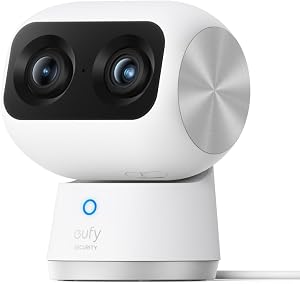
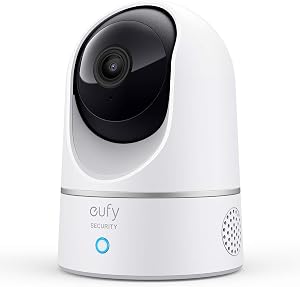
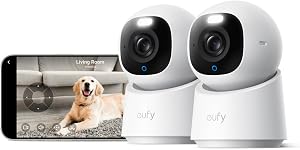
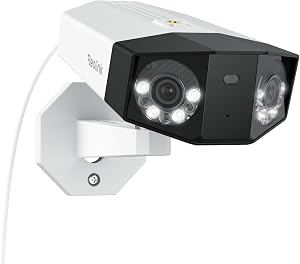
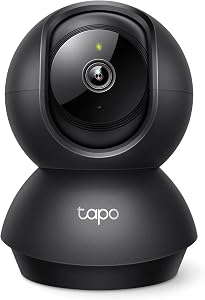
Greenhouses combine three problems that ordinary outdoor cameras never face at the same time: glass or polycarbonate walls that telegraph the location of any black plastic object inside, daily condensation cycles that fog lenses and corrode mounting hardware, and exterior visibility that turns the camera into a shopping advertisement for opportunistic thieves walking the alley behind your allotment. The Argus 4 Pro is a 4K dual-lens unit, so its body is larger than a typical wireless camera, and the white shell reflects sunlight through the panels like a beacon unless you intervene. Smart placement on the aluminum or steel framework is the single biggest variable.

Before drilling anything, walk the perimeter of the greenhouse at dusk with a flashlight pointed back toward each candidate spot. Anywhere the beam catches a bright reflection is exactly where a thief's torch will also light up the camera. Those are the locations to avoid, no matter how good the indoor field of view looks.
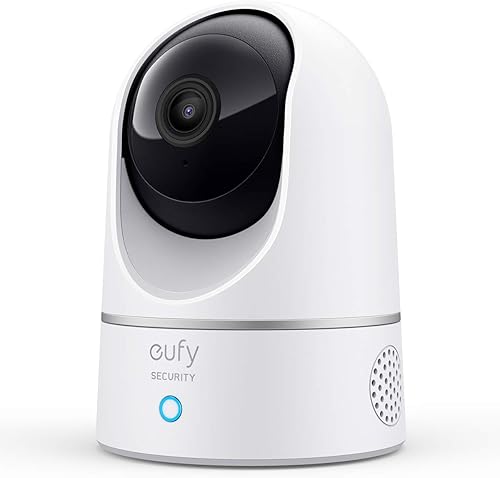
Five proven ways to hide Reolink Argus 4 Pro on greenhouse frames
1. Color-match the chassis to your frame profile
The factory white shell is the loudest signal a thief gets. Lightly scuff the housing with 400-grit paper, mask the lens cluster, PIR window, microphone, speaker, and solar port, then apply two thin coats of matte spray paint formulated for plastics. Match aluminum frames with a warm gray, galvanized steel with a cooler silver-gray, and powder-coated green hoop houses with a flat olive. Avoid glossy finishes, because they catch low-angle sun and reintroduce the glint problem you just spent twenty minutes solving.
2. Mount inside the ridge channel, not on the outer purlin
Most greenhouse owners reflexively bolt a camera to the outside of the south-facing eave. Reverse the logic. The internal ridge channel, where two roof panels meet at the peak, gives you a recessed location that is shaded from above, hidden by hanging baskets or grow lights, and impossible to grab from outside without breaking a panel. Use a short articulating arm so the dual lenses can still cover the door and the back bench at the same time.
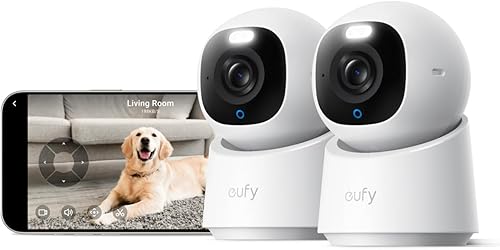
3. Hide the antenna and solar panel separately
Thieves often spot the solar panel before the camera body. Run the panel cable through a vent louver to a position above the gutter, behind the closest hoop, or onto a fence post outside the structure entirely. Even four feet of separation breaks the visual link between the obvious solar cell and the small dark shape that is actually recording them.
4. Wrap the housing in greenhouse mesh or shade cloth
A scrap of 30 percent shade cloth, zip-tied loosely around the body with cutouts for the lenses and PIR, turns the camera into another agricultural fixture. The mesh diffuses the white plastic, breaks up sharp edges, and gives no purchase to a glove grabbing for it. Keep the cutouts oversized so condensation can vent.
5. Deploy a decoy in the obvious spot
Mount a cheap, conspicuously visible dummy camera above the greenhouse door with a flashing red LED, then place the real Argus 4 Pro at the far rafter aimed at the door. Thieves who target the visible camera first are already on video before they reach it. This pairs especially well with the next section: maintaining a second wireless camera nearby as a true backup.
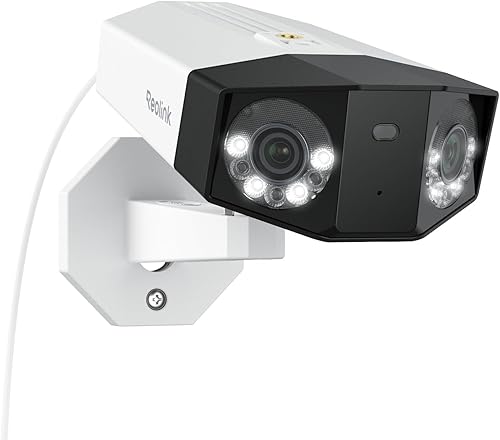
Backup cameras worth pairing with a hidden Argus 4 Pro
Even the best concealment fails sometimes. A storm shifts the shade cloth, a curious neighbor spots the lens, or the SD card fills up at the worst moment. Keeping a second battery camera nearby, ideally one on a totally different ecosystem so a single app outage cannot blind you, is cheap insurance. For a tighter walkthrough of pairing strategies, see our companion guide on best battery cameras for greenhouses.
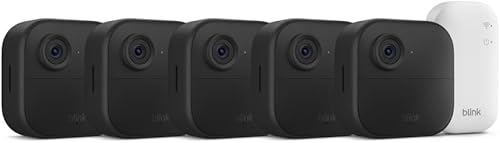
Blink Outdoor 4 XR (4-cam kit) — best multi-angle backup
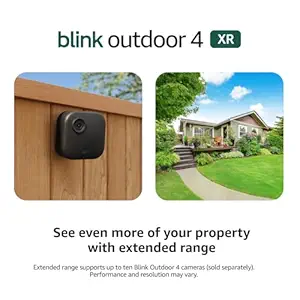
If you want one Argus 4 Pro hidden in the ridge and three smaller cameras covering the door, the back wall, and the path to the shed, the XR four-pack is the cleanest setup. Two-year battery life on the AA lithiums means you are not climbing the frame every month, and the kit talks to a single Sync Module so you only manage one bridge. Check the Blink Outdoor 4 XR 4-cam on Amazon.
Blink Outdoor 4 (single cam) — easiest decoy-flip
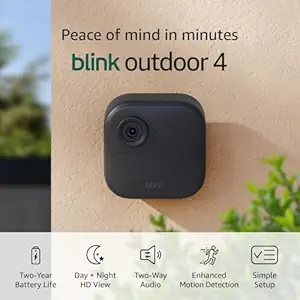
The standard Outdoor 4 is small enough to tuck under a gutter and obvious enough to function as a deliberate decoy mounted on the door frame. Either role works because the housing is black and matte from the factory, which simplifies the camouflage step. See the Blink Outdoor 4 on Amazon.
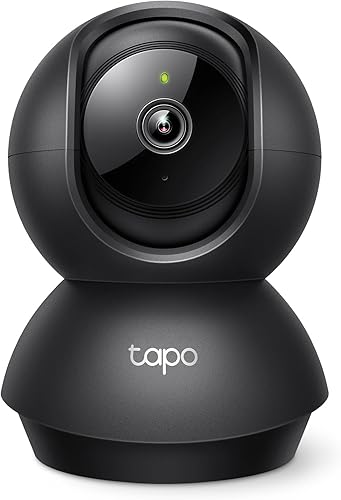
aosu T2 Pro 3K Dual Cam — best for matching the Argus 4 Pro feature set
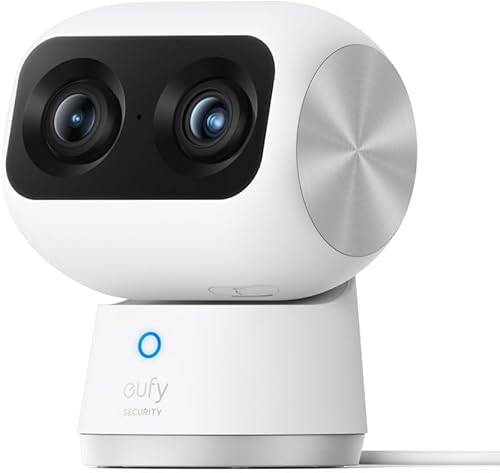
If the Argus 4 Pro is your hidden primary because of its dual-lens 4K capture, the aosu T2 Pro is the closest backup in spec terms: a 3K dual-camera unit with wide and zoom lenses, color night vision, and local SD storage so it keeps recording during a Wi-Fi blackout. Mount it on the outside of a fence post pointed at the greenhouse door as a visible deterrent while the hidden Reolink does the actual evidence collection. View the aosu T2 Pro on Amazon.
Blink Outdoor 2K+ — best budget upgrade
The 2K+ model gives you sharper plate-readable footage than the original Outdoor 4 without the XR kit price. It fits the same standard Blink mounts, so swapping in is a five-minute job, and the lower profile makes it easier to hide along the lower hoop bar. Check the Blink Outdoor 2K+ on Amazon.
Blink Outdoor 4 System — best starter bundle
For a first-time greenhouse owner who has not yet bought any Blink hardware, the bundled Outdoor 4 System ships with the Sync Module already paired, which removes the most common setup mistake. See the Blink Outdoor 4 System on Amazon.

Comparison: backup cameras for a hidden Argus 4 Pro setup
| Model | Max resolution | Battery life | Best role alongside Argus 4 Pro | Local storage |
|---|---|---|---|---|
| Blink Outdoor 4 XR (4-cam) | 1080p | ~2 years | Perimeter coverage | Via Sync Module 2 |
| Blink Outdoor 4 | 1080p | ~2 years | Decoy at the door | Via Sync Module 2 |
| aosu T2 Pro Dual Cam | 3K dual lens | Rechargeable | Visible deterrent twin | microSD onboard |
| Blink Outdoor 2K+ | 2K | ~2 years | Plate-readable cover | Via Sync Module 2 |
| Blink Outdoor 4 System | 1080p | ~2 years | Starter pairing kit | Via Sync Module 2 |
Power, signal, and weatherproofing inside a greenhouse
The Argus 4 Pro will technically run on its internal battery alone, but inside a greenhouse the humidity and 4K dual-stream draw chew through that battery faster than the spec sheet suggests. Run the bundled solar panel, but cut a custom drip loop into the cable so condensation rolls off before it reaches the USB-C port. If you bolt the mount to an aluminum frame, isolate it with a nylon washer to prevent galvanic corrosion where the steel screw meets the aluminum profile.
For Wi-Fi, the metal framework acts as a partial Faraday cage. Place your access point on the greenhouse side of the house, not the opposite side, and test with the Reolink app's signal strength meter before committing to a mounting hole. If you must extend coverage, a weatherproof mesh node in the potting shed is more reliable than a long-range repeater on the house eave. Our guide to outdoor camera Wi-Fi tips covers node placement in more depth.
Legal and neighborly considerations
Most jurisdictions allow cameras on your own greenhouse pointed at your own property, but recording audio or capturing the inside of a neighbor's garden can cross a line. Angle the Argus 4 Pro so the field of view stops at your fence line, and disable the microphone if your local rules require single-party consent. A camera nobody can see is still subject to the same disclosure rules as a camera mounted in plain sight.
Frequently Asked Questions
Can I paint a Reolink Argus 4 Pro without voiding the warranty?
Reolink does not cover cosmetic modifications, but light scuffing and matte plastic paint do not affect the sealed lens, PIR, or battery compartment, so functional warranty coverage typically remains intact as long as you mask the ports and sensors. Keep paint away from the rubber gaskets and the solar input.
What is the best mounting height to hide Reolink Argus 4 Pro on greenhouse frames?
Aim for the upper third of the structure, ideally tucked into the ridge channel or a corner brace at roughly 2.1 to 2.4 meters. That height stays above eye level for anyone glancing in, takes advantage of overhead foliage and grow-light fixtures for cover, and still keeps the dual lens at an angle that captures faces rather than just hats.
Will condensation damage the camera inside a polytunnel?
The Argus 4 Pro is IP66 rated, so brief condensation will not damage it, but persistent dripping into the USB-C port will. Add a small silicone drip loop above the port, and consider a 3D-printed shroud over the top of the housing to deflect the morning condensation cascade that forms on polycarbonate ceilings.
Should I run the Argus 4 Pro on its battery alone or add a solar panel?
For greenhouses, the bundled solar panel is essentially mandatory. Humidity, frequent motion from swaying plants, and the dual-stream 4K recording mode drain the internal battery much faster than the rated figures, which assume sparse motion. The solar panel covers the gap, and you can hide it on an exterior fence post several feet from the camera so it does not give away the camera's location.
How do I keep thieves from spotting the antenna or status LED?
Disable the status LED in the Reolink app under camera settings, since it is the single most obvious giveaway at night. For the antenna, the Argus 4 Pro uses an internal antenna, so there is nothing external to hide, but orient the camera so the rear (where the antenna sits) faces the densest part of the frame for best signal without exposing the body.
Is it better to hide one camera or visibly mount two?
Layer both. A visible deterrent camera near the door deters casual opportunists, while a hidden Argus 4 Pro at the ridge captures evidence if the visible one is sprayed, smashed, or stolen. The aosu T2 Pro paired with a concealed Argus 4 Pro is a common allotment setup for exactly this reason. See our visible vs hidden camera strategy guide for layout diagrams.
What if my greenhouse has no Wi-Fi at all?
The Argus 4 Pro supports local microSD recording, so it will keep capturing footage even without a connection. Pair it with a 4G LTE hotspot in the potting shed if you want push notifications, or accept that you will review footage manually from the SD card. A backup camera like the aosu T2 Pro, which also records locally, gives you redundancy in this scenario.
Key Takeaways
- Choosing the right hide Reolink Argus 4 Pro on greenhouse frames means matching capacity and output ports to your actual devices
- Always check actual watt-hours (Wh), not just watts — runtime depends on Wh, not peak output
- Also covers: Reolink Argus 4 Pro concealed greenhouse mounting
- Also covers: disguise Reolink Argus camera in greenhouse
- Also covers: Reolink Argus 4 Pro discreet install greenhouse
- Compare price-per-Wh across models to find the best value for your budget