Setting up Lorex 2K auto repair shop bay monitoring for after-hours coverage comes down to four things: putting 2K bullet or dome cameras at each bay corner, wiring them into a PoE NVR with at least 2TB of storage, dialing in night-vision range so you can read plate numbers and tool-cart contents in the dark, and adding a few wireless cameras as a backup tier in case someone cuts the main power. A typical two-to-four bay shop needs six to eight Lorex 2K channels plus one or two battery-powered cameras covering the rear roll-up door and customer parking. Below is the exact setup, plus the wireless cameras that pair well with a Lorex 2K backbone.
Why a Lorex 2K NVR is the right backbone for repair shop bays
Top Picks
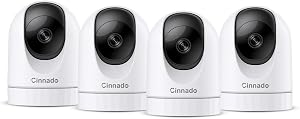
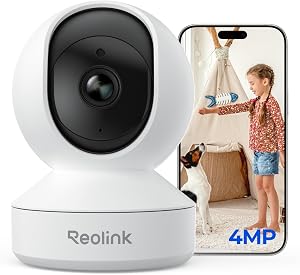
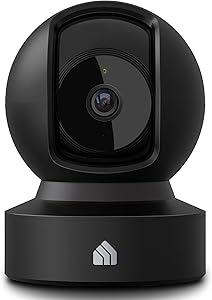
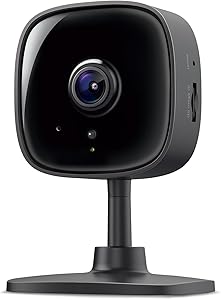
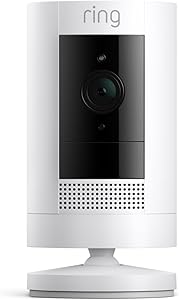
Auto repair shops have a specific overnight threat profile: catalytic converter theft, tool-chest break-ins, customer-vehicle tampering, and copper-line stripping. None of those play out in three seconds the way a porch-pirate clip does. They unfold over 10 to 40 minutes, often with the suspect moving in and out of frame multiple times. That means you need continuous 24/7 recording, not motion-only clips, and you need enough resolution to identify a face or a license plate at 25-30 feet across a bay.

A Lorex 2K wired NVR system gives you 24/7 local recording on a hard drive that lives inside the shop, with no monthly cloud fee and no risk of a Wi-Fi outage taking the system down. The 2K (2560x1440) sensor is the sweet spot for bay coverage: it gives you roughly 1.7x the pixel density of 1080p, which is what lets you actually read a VIN sticker or a wrench brand from the far wall. Higher-resolution 4K cameras exist, but they chew through storage and don't add much usable detail at the 20-40 foot distances typical of a service bay.
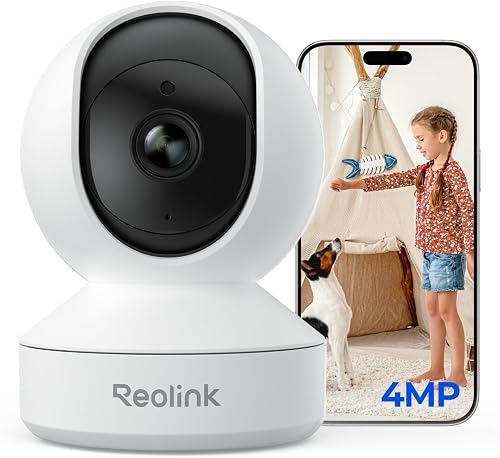
For most two-bay independent shops, an 8-channel NVR with 2TB of storage and six 2K bullet cameras is the baseline Lorex 2K auto repair shop bay monitoring configuration. Four-bay shops should jump to a 16-channel NVR with 4TB and eight cameras minimum. Position one camera per bay aimed down the length of the lift, plus one wide-angle covering the parts counter and roll-up doors.
Where wireless cameras fit into a Lorex shop setup
Here is where the available products on this page come in. A wired Lorex 2K NVR is the right primary system, but it has three blind spots that wireless battery cameras cover beautifully:
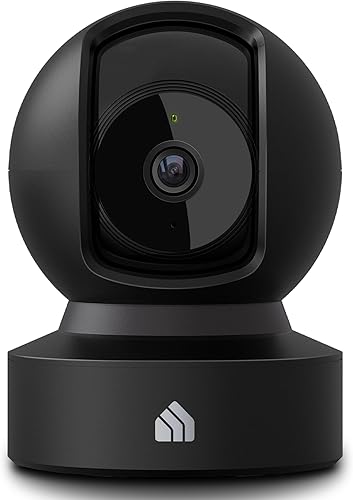
- The customer parking lot — running PoE cable to a parking-lot pole is expensive and slow. A battery camera on a 4x4 post takes 20 minutes to install.
- The rear alley or roll-up door exterior — these areas often have no nearby outlet and are exactly where break-ins start.
- The owner's office or parts storage cage — adding one more channel to your NVR after the fact is a hassle; a stick-up battery cam covers it in five minutes.
The cameras below are the ones we'd actually run alongside a Lorex 2K NVR for after-hours monitoring. They don't replace the wired system; they fill its gaps.
2026 wireless cameras to pair with a Lorex 2K bay setup
| Camera | Resolution | Best use in a shop | Battery life | Cameras included |
|---|---|---|---|---|
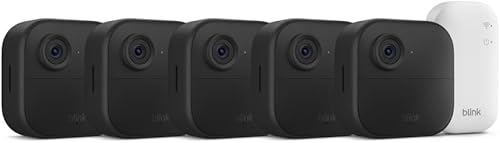
| Blink Outdoor 4 XR (4-cam) | 1080p HDR | Full perimeter — parking, alley, side gates | Up to 2 years | 4 |
| Blink Outdoor 2K+ | 2K | Matches Lorex 2K detail on plate capture | ~2 years | 1 |
| aosu T2 Pro Dual Cam | 3K dual lens | Wide + zoom on the roll-up door | Solar-capable | 1 |
| Blink Outdoor 4 (single) | 1080p HDR | Office, parts cage, break room | Up to 2 years | 1 |
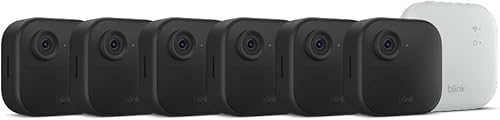
| Blink Outdoor 4 System | 1080p HDR | Starter wireless tier for small shops | Up to 2 years | Varies |
Best perimeter kit: Blink Outdoor 4 XR 4-Camera System
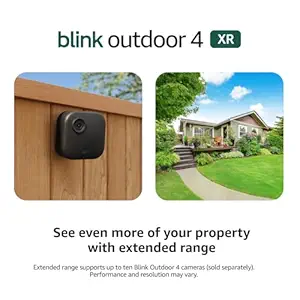
If you have a Lorex 2K NVR covering the bays themselves, the Outdoor 4 XR 4-camera kit is the cleanest way to wrap the rest of the property — front lot, side gate, rear alley, and dumpster corner — without pulling a single cable. Two-year battery life on standard AA lithium cells means you're not climbing a ladder every quarter, and the extended-range radio in the XR variant matters in a metal-roofed shop where signal can drop fast. Person detection and a free 60-day trial of Blink's cloud plan get you motion clips while you finalize your Lorex 2K auto repair shop bay monitoring DVR retention policy. Check the Blink Outdoor 4 XR 4-cam kit on Amazon.
Best resolution match: Blink Outdoor 2K+
The Outdoor 2K+ is the closest wireless equivalent in pixel density to a Lorex 2K wired bullet. That matters when you're trying to keep your evidence-grade detail consistent across both systems — if a thief crosses from your wired Lorex zone into the parking lot, the handoff between cameras stays useful instead of dropping to soft 1080p. Mount one on the corner of the building facing the customer-vehicle staging row and you'll get readable plates within about 25 feet at night. See the Blink Outdoor 2K+ on Amazon.
Best for the roll-up door: aosu T2 Pro 3K Dual Cam
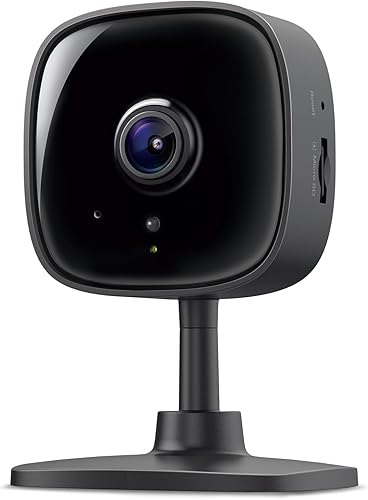
The roll-up door is where most after-hours forced entry happens, and it's also where a single fixed-lens camera fails — you either get wide context with no detail, or tight detail with no surroundings. The aosu T2 Pro solves this with two lenses in one housing: a wide lens for situational awareness and a telephoto for face and plate identification. The 3K sensor on the telephoto side gives you usable zoom-in detail on a frozen frame, and the solar-panel option means you can mount it above a back door with no outlet. For a single critical chokepoint in a shop perimeter, this is the camera. View the aosu T2 Pro 3K Dual Cam on Amazon.
Best single add-on: Blink Outdoor 4
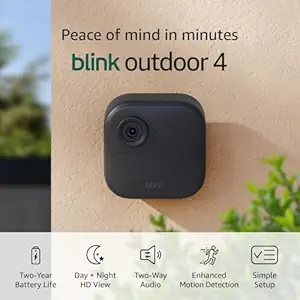
If your Lorex 2K NVR already covers the bays and you only need to plug one gap — the office where the safe sits, the parts cage, or the small employee entrance — the single Blink Outdoor 4 is the no-fuss choice. Two-year battery, weatherproof, person detection, and it adds to an existing Blink Sync Module if you've already deployed any other Blink cameras in the building. Check the Blink Outdoor 4 on Amazon.
Best starter system: Blink Outdoor 4 Wireless Security Camera System
For shops still saving up for a full Lorex 2K NVR install, the Outdoor 4 system bundle is the right interim move. Get a multi-camera Blink kit up tonight, cover the worst exposures, and migrate to a wired Lorex 2K backbone over the next quarter while keeping the Blinks deployed on the perimeter. See the Blink Outdoor 4 system on Amazon.
How to position cameras for after-hours bay coverage
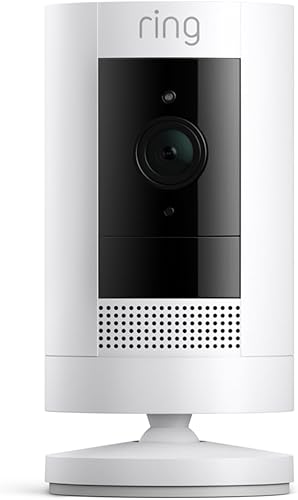
Once your Lorex 2K cameras are mounted, position matters more than spec sheets. Three rules:
- Mount across, not above. A camera directly above a lift sees the roof of a vehicle and nothing else. Mount in the corner opposite the bay door, 9-10 feet up, angled down at 15-20 degrees. You'll see the full length of the vehicle, the lift controls, and anyone walking in.
- Light the IR field. Lorex 2K cameras have 130-150 foot IR night vision, but cinderblock walls, lifted trucks, and rolling tool chests cast deep shadows. Add a single $25 motion floodlight per bay aimed at the floor near the lift base. It triggers color-mode recording on the Lorex when motion fires, which is dramatically more useful in court than grainy IR.
- Cover the cameras themselves. Every camera should have another camera that can see it. If a thief disables one bay cam, the cam across the shop should record him doing it.
For more on this topic, see our related guides on 2K cameras for small business overnight monitoring and license plate capture camera setup.
Storage, retention, and remote viewing
A 2TB hard drive on a Lorex 2K NVR with 6 cameras at continuous record gets you roughly 14-18 days of footage depending on motion levels. Insurance investigations and police reports sometimes take 10+ days to materialize, so 30 days of retention is the realistic goal. Upgrade to a 4TB or 6TB internal drive on day one; it's cheaper than swapping later.

For after-hours remote viewing, the Lorex mobile app supports push notifications on motion events from a specific channel — set this only on cameras pointing at bay doors and parking, not interior cameras that will trip on every HVAC cycle. Configure two-step authentication on the NVR's remote login and disable the default UPnP port forwarding in favor of the Lorex P2P cloud connection, which is more secure for a shop network.
For background on remote-monitoring tradeoffs, see our deep dive on NVR vs cloud storage for business cameras.
Frequently Asked Questions
How many Lorex 2K cameras do I need for a two-bay auto repair shop?
Plan for six cameras minimum: one per bay aimed down the lift, one covering the parts counter, one on each roll-up door (interior side), and one wide-angle on the customer waiting area or front entry. An 8-channel Lorex 2K NVR gives you two spare channels for future expansion like a parking-lot pole cam.
Will a Lorex 2K system record plate numbers in the parking lot at night?
Only at close range. Lorex 2K bullets read plates reliably within 20-25 feet at night when the plate is reasonably perpendicular to the camera. For longer distances or angled approaches, you need either a dedicated LPR (license plate recognition) camera or a 4K telephoto. The aosu T2 Pro's telephoto lens helps on a single chokepoint.
Can I mix wireless Blink cameras with a Lorex 2K NVR?
Not on the same recording system — they use different apps and protocols. But you can absolutely run both in parallel: Lorex covers the bays and interior on local 24/7 recording, while Blink cameras handle perimeter and outbuildings on battery and cloud. Most shop owners check both apps from one phone with no issue.
What internet speed do I need for remote Lorex 2K viewing?
Plan for 4-6 Mbps upload per simultaneously viewed 2K stream. Most rural shops on DSL struggle here; if you can only view one camera at a time remotely, you need at least 6 Mbps upload. Cable or fiber with 20+ Mbps upload comfortably handles four-camera live grids on a phone.
How long does a Lorex 2K NVR keep footage with continuous recording?
With six 2K cameras on 24/7 continuous record, a 2TB drive holds 14-18 days, a 4TB drive holds 28-36 days, and a 6TB drive pushes 40-55 days depending on motion-triggered bitrate boosts. For a repair shop, install at least 4TB to comfortably cover insurance-claim timelines.
Do I need a separate cellular backup if the shop loses internet?
For pure recording, no — the Lorex NVR records locally to its hard drive regardless of internet status. You only lose remote viewing and push alerts during an outage. Footage is still there when you walk in the next morning. A cellular backup router is useful if you want overnight push alerts, but it's optional, not required.
Should I use a UPS battery backup on the Lorex NVR?
Yes, absolutely. A 600-1000VA UPS gives the NVR and PoE switch 20-40 minutes of runtime during a power cut — long enough to ride out brief outages and to record whatever triggered the cut. Without a UPS, anyone with bolt cutters and access to your meter base can take your entire system offline in seconds.
Bottom line
The right after-hours setup for an auto repair shop is a Lorex 2K wired NVR covering the bays and interior on continuous 24/7 record, plus two to four wireless battery cameras filling the perimeter blind spots. The Blink Outdoor 4 XR 4-camera kit is the cleanest wireless backbone, the Blink Outdoor 2K+ matches your wired pixel density at choke points, and the aosu T2 Pro Dual Cam earns its spot above the roll-up door. Add a 4TB drive, a UPS, and motion floodlights at each bay, and your Lorex 2K auto repair shop bay monitoring system will catch the kind of slow-burn overnight incidents that single-cam doorbell setups always miss.
Key Takeaways
- Choosing the right Lorex 2K auto repair shop bay monitoring means matching capacity and output ports to your actual devices
- Always check actual watt-hours (Wh), not just watts — runtime depends on Wh, not peak output
- Also covers: Lorex 2K mechanic garage overnight camera
- Also covers: Lorex 2K body shop after hours surveillance
- Also covers: Lorex 2K service bay security setup
- Compare price-per-Wh across models to find the best value for your budget