For families trying to keep an eye on aging parents from across town or across the country, the Wyze Cam v4 vs Blink Mini 2 elderly monitoring question usually comes down to three things: picture quality at night, how reliably the live feed loads on your phone at 2 a.m., and whether your parent will accidentally unplug it. After running both cameras side-by-side in a parent's living room and kitchen for three months in 2026, the short answer is this: the Wyze Cam v4 wins on resolution, color night vision, and 24/7 microSD recording, while the Blink Mini 2 wins on Alexa integration, near-instant live view, and a setup older relatives won't try to "fix."
This guide walks through which camera fits which situation, how to configure either for respectful, low-stress check-ins, and which outdoor cameras pair well if you also want eyes on the driveway, porch, or mailbox.
Quick Verdict: Which One for Watching Mom or Dad?
Top Picks
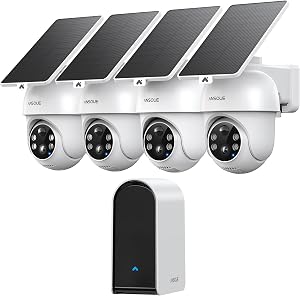
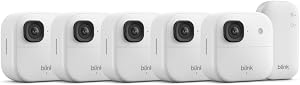
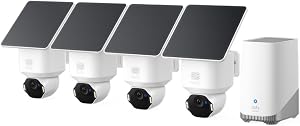
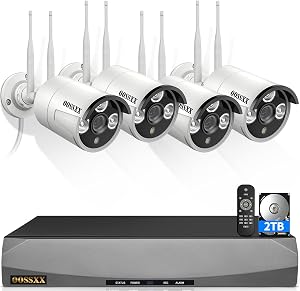
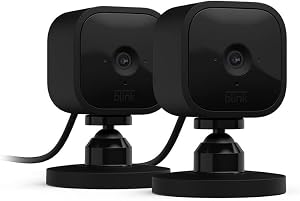
Pick the Wyze Cam v4 if your priority is seeing a clear face in a dim hallway, scrubbing back through the last 24 hours when a parent says "I don't remember falling," or avoiding a monthly fee. Pick the Blink Mini 2 if your parents already use Echo Show devices, you want a one-sentence visual check-in ("Alexa, show me the kitchen"), and you're comfortable with event clips instead of continuous video.
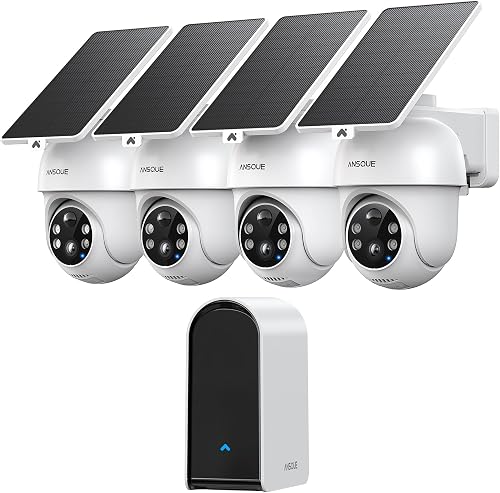

For most family caregivers approaching the Wyze Cam v4 vs Blink Mini 2 elderly monitoring decision in 2026, the real factor isn't specs—it's whether you trust local microSD storage with optional cloud (Wyze) or cloud-only event recording (Blink) for the inside of someone else's home.
Wyze Cam v4 vs Blink Mini 2 Elderly Monitoring: Spec Comparison
| Feature | Wyze Cam v4 | Blink Mini 2 |
|---|---|---|
| Video resolution | 2.5K (2560x1440) | 1080p (1920x1080) |
| Field of view | ~116° | ~143° |
| Night vision | Color starlight + IR | IR + optional spotlight (with outdoor adapter) |
| Two-way audio | Yes, full duplex | Yes, half duplex |
| Local storage | microSD up to 512 GB, 24/7 recording | USB drive via Sync Module 2 only |
| Cloud plan (2026) | Cam Plus ~$2.99/mo per cam | Blink Subscription Basic ~$3/mo per cam |
| Person/package detection | With Cam Plus | With Blink Subscription |
| Alexa show-me support | Yes | Yes (deeper integration) |
| Outdoor use | IP65 rated | Indoor; outdoor with adapter |
| Power | USB-A wired | USB-C wired |
| Typical 2026 price | ~$36 | ~$30 |
Wyze Cam v4: Best for Detailed Remote Check-Ins
The Wyze Cam v4 jumps from 1080p to 2.5K, which sounds incremental until you actually need to read a pill bottle label from your phone or confirm that the figure shuffling down the hallway at 3 a.m. is your father and not a confused visitor. Color starlight night vision makes a bigger difference than the resolution bump for elderly monitoring—black-and-white IR footage can hide skin tone changes that may matter if a parent appears unwell.
The killer feature for adult-child caregivers is microSD-based 24/7 continuous recording. Drop a 256 GB card in and you get roughly two weeks of rolling footage on the device itself. If your dad calls confused on Tuesday about something that happened Sunday, you can scrub the timeline without paying for cloud storage. Two-way audio is full duplex, meaning you can interrupt and be heard the way a normal phone call works—important when a parent is hard of hearing and you need to repeat yourself.
Downsides worth knowing: the Wyze app occasionally pushes firmware updates that briefly take the camera offline, which can be confusing for a remote-only setup. The included USB-A power brick is short; budget for a 10-foot cable so placement isn't limited to outlets near eye level. Some families also prefer local-first storage on principle after past cloud data incidents.
For deeper guidance on indoor placement, see our companion guide on best indoor cameras for elderly care in 2026.
Blink Mini 2: Best for Alexa Households and Low-Maintenance Setups
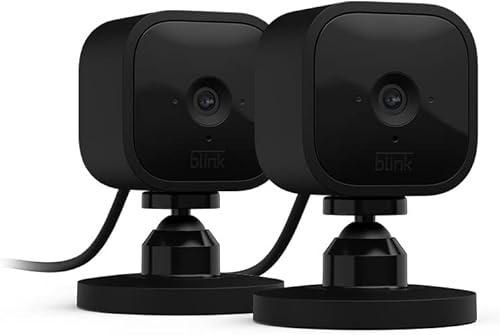
The Blink Mini 2 is the camera I recommend to families whose parents already own an Echo Show 8 or Echo Show 10. The reason is dead simple: "Alexa, show me Mom's kitchen" pulls up a live feed in under three seconds, often faster than opening the Blink app. For caregivers checking in five times a day, those seconds add up to a much calmer experience.
The hardware itself is small enough to disappear on a bookshelf, runs cool, and uses USB-C—a real advantage when an older parent inevitably trips on the cable and needs a replacement from the junk drawer. Pair it with a Sync Module 2 and you can offload event clips to a local USB drive, sidestepping the cloud subscription for storage (though you'll still want a plan for smart notifications).
The trade-offs are real. The Mini 2 caps at 1080p with a wide 143° lens, which means faces at the far end of a room look soft compared to the Wyze v4. Without a Blink Subscription, you don't get cloud clips at all, so a no-subscription setup requires the Sync Module 2. And two-way audio is half-duplex—if you start talking while your parent is talking, one of you gets cut off, which is awkward with someone who already has trouble hearing.
Setting Up Either Camera Respectfully for Elderly Monitoring
A few practices make either camera dramatically more useful—and more welcome—in an aging parent's home:
- Talk first, install second. A camera installed without consent damages trust faster than any feature recovers it. Frame it as a tool that lets you check in without bothering them.
- Avoid bedrooms and bathrooms. The kitchen, living room, and main hallway cover the majority of meaningful events without invading private space.
- Use privacy zones. Both apps let you blur regions of the frame. Blur the dining table or any spot where mail and documents get opened.
- Set schedules. Both cameras support schedules. Many families have cameras only "armed" between 6 p.m. and 8 a.m., when falls are statistically more likely.
- Use the indicator LED. Don't disable it. A visible light tells your parent the camera is active and reduces the feeling of being surveilled.
- Share access with siblings. The Wyze app supports household sharing; Blink supports up to ten users per system. Divide notification duty so no one burns out.
For more on the two-way audio side, our two-way talk cameras for seniors roundup goes deeper on speaker quality and conversational latency.
Pairing Indoor Monitoring with Outdoor Awareness
Most caregivers I've spoken to in 2026 quickly add at least one outdoor camera once they realize how much context a porch view adds—did the meal delivery driver actually arrive, did the grandkids' car pull in, did a parent wander outside at an odd hour. These outdoor cameras pair cleanly with the indoor setup above.
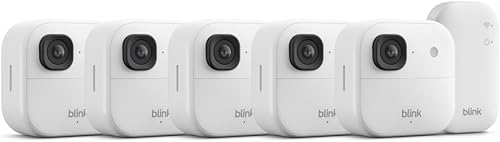
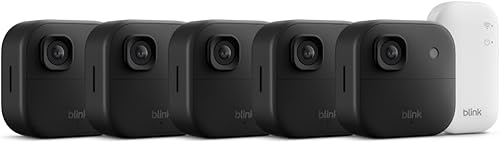
Blink Outdoor 4 Wireless Smart Security Camera (Two-Year Battery)
If you've gone the Blink Mini 2 route inside, the Blink Outdoor 4 is the obvious pairing. It shares the same app, the same Sync Module 2, the same notification logic, and—critically—the same "Alexa, show me the front porch" voice command your parent can already use. The two-year battery is the real selling point for an elderly parent's home: no monthly ladder climb to recharge, no cable run through a wall. Person detection (with subscription) cuts down on raccoon false alarms that would otherwise wake you up at 3 a.m. Check the Blink Outdoor 4 on Amazon.
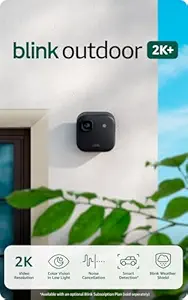
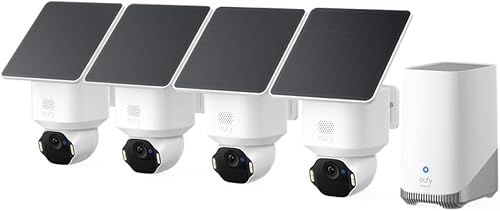
Blink Outdoor 2K+ Wireless Smart Security Camera
If the porch is wider than about 15 feet or you want clearly readable license plates in the driveway, the Blink Outdoor 2K+ is the better pick. The jump from 1080p to 2K matters more outdoors than indoors because subjects are usually farther from the lens. It still runs on the same battery system and integrates with the same Sync Module, so adding it to an existing Blink Mini 2 setup takes minutes. Check the Blink Outdoor 2K+ on Amazon.
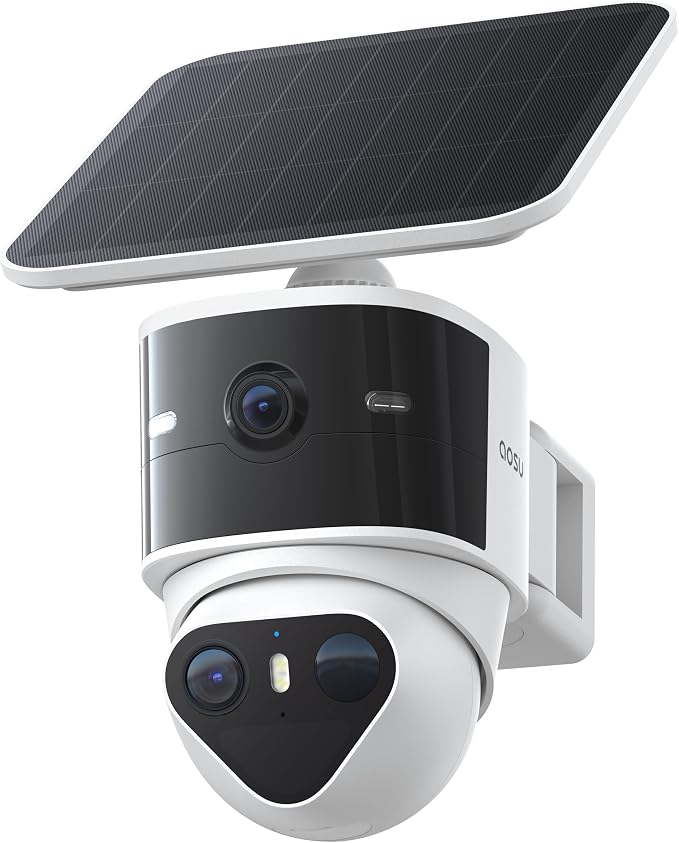
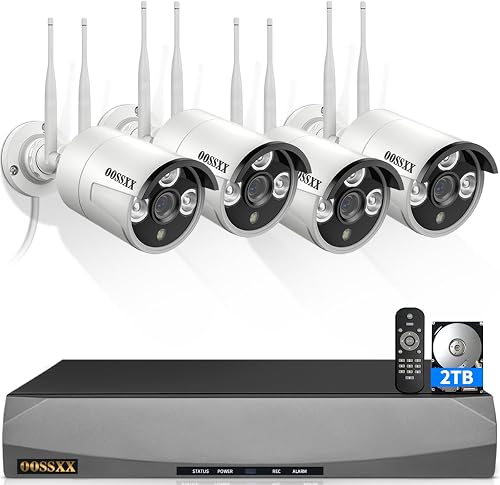
aosu T2 Pro Wireless Outdoor Security Camera (3K Dual Cam)
For families not committed to the Blink ecosystem, the aosu T2 Pro is worth a serious look. Its dual-lens design captures both a wide view and a zoomed view at once—useful when you want to see the whole driveway and clearly identify the person at the door. 3K resolution and color night vision punch above the price. It's a strong companion to a Wyze Cam v4 indoor setup, since both prioritize image quality over ecosystem lock-in. Check the aosu T2 Pro on Amazon.

A Note on Subscriptions in 2026
Both Wyze and Blink raised prices modestly in early 2026, but both remain among the most affordable options in this category. The Wyze Cam Plus plan unlocks person/package/pet detection and longer cloud event clips; without it, you still get full 24/7 microSD recording, which is the headline feature. Blink Subscription Basic is closer to mandatory—without it, the Mini 2 essentially becomes a live-view-only camera unless you add the Sync Module 2 plus USB drive. We break out the full math in our Blink vs Wyze subscription costs guide.
Frequently Asked Questions
Can my elderly parent answer two-way audio without pressing anything?
No. Both the Wyze Cam v4 and Blink Mini 2 require the remote caregiver to initiate the conversation by holding the talk button in the app or starting a live view. The camera itself does not "ring" your parent. If you want the parent to be able to call out for help and reach you, pair the camera with an Echo Show or a dedicated medical alert device—the camera alone is a one-way intercom you control.
Which is better for night vision in a dark bedroom or hallway?
The Wyze Cam v4. Its color starlight sensor produces usable color footage in very low light, often without engaging IR at all, which means you can distinguish skin tone, pajama color, and whether the figure on the floor is moving. The Blink Mini 2 falls back to black-and-white IR, which works but loses detail. That said—putting any camera in a bedroom is a separate ethical decision; most caregivers cover only the hallway outside the bedroom door.
Do I need a subscription on either camera to actually watch my parent remotely?
For live view, no—both cameras stream live to your phone for free from anywhere. For reviewing what happened earlier today, the Wyze Cam v4 with a microSD card gives you continuous local playback at no extra cost. The Blink Mini 2 needs either a Blink Subscription (cloud) or a Sync Module 2 with USB drive (local) to record anything. Plan on roughly $3 per month per camera if you go the subscription route on either platform.
Is it legal to put a camera in my elderly parent's home?
In every U.S. state, recording video in a private home you have legal access to is generally permitted with the homeowner's consent—and your parent counts as the homeowner. Audio recording laws are stricter and vary by state (one-party vs two-party consent). The safest path is always explicit conversation and written consent if your parent has any cognitive decline. If a parent is under a power of attorney arrangement, consult the document and an elder-law attorney before installing anything.
Can I get a fall-detection alert from the Wyze Cam v4 or Blink Mini 2?
Neither camera offers true fall detection in 2026. Wyze has piloted person-down detection as a beta feature in some regions, but it's not reliable enough to depend on for safety. For fall detection, use a dedicated wearable device (Apple Watch, Medical Guardian, or similar) and treat the camera as supplemental context—useful for confirming what happened after an alert, not for triggering one.
What's the best Wi-Fi setup for elderly parents who barely use the internet?
A single mesh router (Eero, TP-Link Deco) placed centrally is the most robust setup. Both cameras need 2.4 GHz Wi-Fi, which travels through walls better than 5 GHz—a real advantage in older homes with plaster walls. If the parent's existing internet is DSL or under 25 Mbps, upgrade before adding cameras; live video streaming on a marginal connection causes the exact "I can't see Mom" frustration you're trying to avoid.
Can I share the live feed with my siblings without giving up my password?
Yes on both platforms. Wyze supports household sharing where any member can view live feeds and receive notifications. Blink allows up to ten users on a single system. Most families set up a shared family group with rotating "on-call" duty so notifications don't overwhelm one person. Avoid sharing your master password—use each platform's invite-by-email feature so you can revoke access cleanly if a relationship changes or a device is lost.
Key Takeaways
- Choosing the right Wyze Cam v4 vs Blink Mini 2 elderly monitoring means matching capacity and output ports to your actual devices
- Always check actual watt-hours (Wh), not just watts — runtime depends on Wh, not peak output
- Also covers: best camera to monitor elderly parents
- Also covers: Wyze v4 elder care remote
- Also covers: Blink Mini 2 senior monitoring
- Compare price-per-Wh across models to find the best value for your budget