For Wyze Cam v4 vs Tapo C120 pet sitter monitoring, the short answer is this: the Wyze Cam v4 wins on AI-driven pet detection, smoother 2.5K video, and a more polished mobile app that lets you check in on a dog walker from a cruise ship Wi-Fi connection. The Tapo C120 wins on local microSD storage without a subscription, sharper color night vision, and a weather-sealed body you can move outside to the catio if needed. Both cameras cost under $40, both do two-way audio, and both will absolutely tell you whether your sitter actually showed up at 8 a.m. like they promised.
Below we break down which one is the smarter pick for vacation pet monitoring based on three real-world scenarios: a single indoor cam watching the food bowl, a multi-camera setup covering the whole house, and a hybrid plan where you also want a porch view of the sitter arriving. We also flag a handful of battery-powered alternatives worth considering if your sitter ever takes the dog into the yard.
Quick verdict: which camera should you buy?
Top Picks
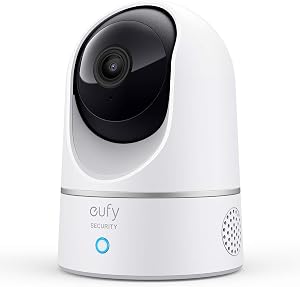
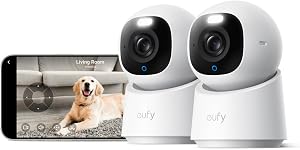
If you only read one paragraph, here it is. Choose the Wyze Cam v4 if you care most about clean AI alerts ("pet detected," "person detected," "package detected") and want the option of cloud-recorded clips your sitter or a family member can review later. Choose the Tapo C120 if you'd rather pay nothing monthly, store everything on a 512 GB microSD card locally, and get genuinely usable color footage at night when your cat decides 2 a.m. is dinner time. For most vacationing pet owners, that subscription-free local storage is the deciding factor — which nudges the Tapo ahead by a hair.

Wyze Cam v4 vs Tapo C120 pet sitter monitoring: spec-by-spec comparison
Here is the head-to-head on the features that actually matter when your goldendoodle is being looked after by a stranger for nine days.
| Feature | Wyze Cam v4 | Tapo C120 |
|---|---|---|
| Max resolution | 2.5K (2560 x 1440) | 2K (2560 x 1440) |
| Field of view | 116° diagonal | 122° diagonal |
| Night vision | Color + IR, starlight sensor | Color + IR, F/1.6 aperture (brighter) |
| Two-way audio | Yes, noticeable lag (~1s) | Yes, slightly faster response |
| AI detection | Person, pet, package, vehicle (free w/ Cam Plus trial) | Person, pet, baby crying, motion zones |
| Local storage | microSD up to 256 GB | microSD up to 512 GB |
| Cloud storage | Cam Plus, $1.99/mo per cam | Tapo Care, $3.49/mo |
| Weatherproofing | IP65 (indoor/outdoor) | IP66 (indoor/outdoor, better seal) |
| Power | Wired USB | Wired USB |
| Voice assistants | Alexa, Google | Alexa, Google |
| Best for | Polished app + AI alerts | No-fee local recording |
Why Wyze Cam v4 is better for sitter check-ins from far away
The Wyze app remains the single most underrated reason to buy this camera. When you're seven time zones away and you wake up at 3 a.m. wondering if the sitter remembered the insulin shot, the app loads in under two seconds, the live feed buffers fast on cellular, and the event clips are already filtered by “pet” and “person” tags so you can scroll to the morning visit in about ten seconds.
The Wyze Cam v4 also adds a starlight sensor that produces watchable color video down to roughly 0.05 lux — meaning your living room with a dim hallway nightlight will still show recognizable shapes, fur colors, and whether the sitter actually picked up after the dog. That is the kind of detail Wyze v3 owners begged for, and it landed in v4.
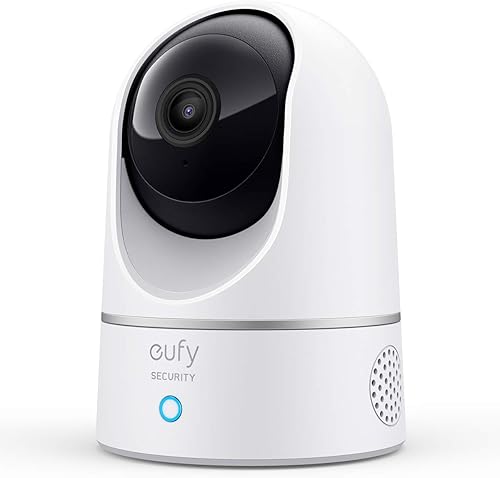
The one catch for Wyze Cam v4 vs Tapo C120 pet sitter monitoring decisions: meaningful AI alerts and 14-day cloud history live behind Cam Plus. It's only $1.99 per month per camera, but you should price it in.
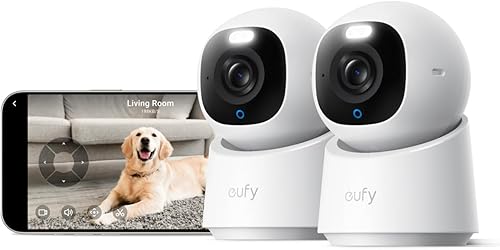
Why Tapo C120 wins for budget-conscious owners
The C120 is the cheapest 2K camera with a real weather rating on the market in 2026, and TP-Link's Tapo app has matured into something genuinely usable. Pop a 512 GB microSD card in the back and you get roughly 30 days of continuous recording with motion bookmarks — zero subscription, zero hand-off to the cloud, no “your trial expired” pop-ups in the middle of your vacation.
The C120 also has a slightly faster two-way audio handshake than Wyze, which matters if you ever want to actually talk to the sitter through the camera. ("Hi Megan, the treats are in the green tin, not the blue one.")

The trade-off: Tapo's AI is competent but not as nuanced as Wyze's. It will tell you a person is on camera; it won't necessarily distinguish your sitter from the cleaning crew the way Wyze can with Cam Plus Pro face recognition.
What about watching the yard or front porch too?
Both the Wyze v4 and Tapo C120 are designed primarily as indoor or covered-porch cameras. If your sitter takes the dog into the backyard, or if you want to confirm they actually arrived through the front gate, you'll want a battery-powered outdoor camera in addition. The picks below are the ones we'd genuinely pair with either an indoor Wyze or Tapo.
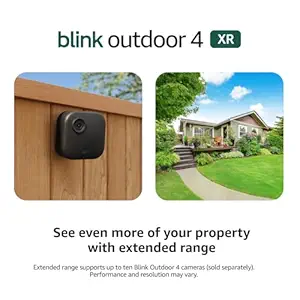
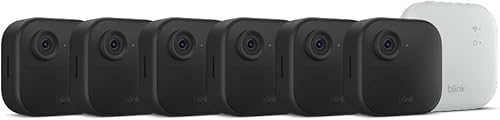
Best outdoor companion: Blink Outdoor 4
Two-year battery life means you set it up before the trip and forget it. Person detection alerts go straight to your phone the moment the sitter pulls into the driveway, so you can cross-reference against your indoor cam's timestamp. Works flawlessly alongside any indoor Wi-Fi camera since it runs on Blink's own sync hub.
Check the Blink Outdoor 4 on Amazon
Best multi-camera coverage: Blink Outdoor 4 XR 4-pack
If you live in a larger house with multiple entry points or a side yard, the XR 4-pack covers the front door, back door, driveway, and side gate for the price of a single wired Nest cam. The XR variant adds longer wireless range so the sync module can sit deep inside the house without losing the cameras at the property line.
See the Blink Outdoor 4 XR 4-cam kit on Amazon
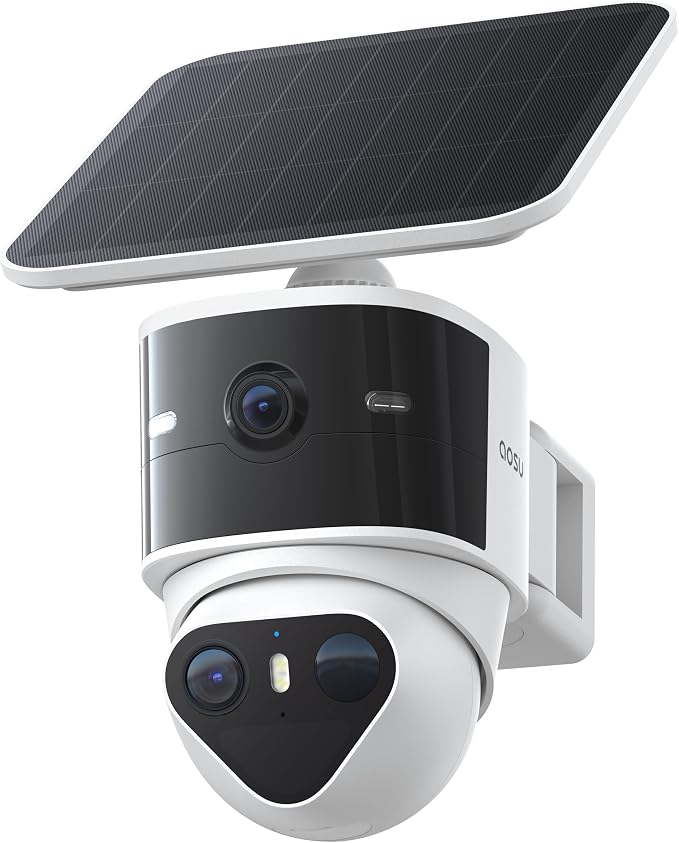
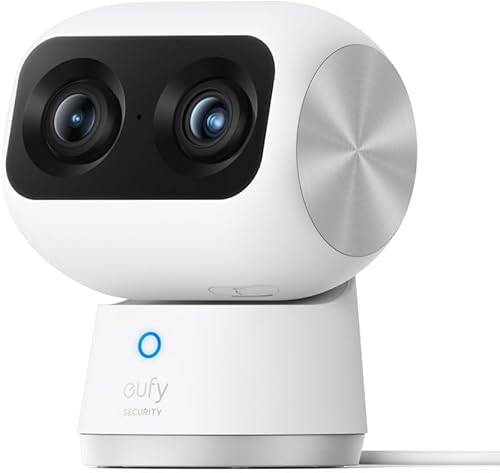
Best high-resolution outdoor pick: aosu T2 Pro 3K Dual Cam
Dual-lens design gives you a wide overview plus a zoom shot in the same frame — useful for confirming both that the sitter is on the porch AND that the dog is on a leash next to them. 3K is overkill for most pet-monitoring jobs but pays off when you need to read a license plate on an unexpected visitor.
View the aosu T2 Pro on Amazon
Higher-resolution alternative: Blink Outdoor 2K+
If you want the simplicity of the Blink ecosystem but with sharper footage than the standard Outdoor 4, the 2K+ is the new mid-tier pick for 2026 — better facial detail at the curb without jumping to a wired POE camera.
Check the Blink Outdoor 2K+ on Amazon
How to set up either camera for a pet sitter (5-minute checklist)
- Place the camera at couch height, not ceiling height. You want to see the pet's face, not the top of the sitter's head.
- Point it at the food and water bowls. This is the single most useful angle. You instantly see whether meals happened.
- Enable motion zones. Exclude the ceiling fan and any sunlit window — those false-positive alerts will drain your phone battery during your trip.
- Test two-way audio with a friend before you fly. Both cameras have a noticeable delay; you want to know its rhythm before you try to give live instructions.
- Tell the sitter the camera exists. In most U.S. states it is legal to record video in your own home, but recording audio without disclosure can violate two-party-consent laws. A polite heads-up also tends to produce better sitter behavior.
For more on choosing between indoor cams and full-system kits, see our breakdown of the best indoor cameras for renters in 2026 and our guide to when a video doorbell beats a security camera. If you're weighing privacy concerns, our local storage vs cloud cameras explainer covers what data leaves your house with each brand.
Final recommendation
For a single-camera vacation setup with a sitter visiting once or twice a day, the Tapo C120 with a 256 GB microSD card is the smartest $30 you'll spend — no subscription, sharper night color, and recording you actually own. For a two-camera or whole-house setup where you want intelligent alerts that distinguish “pet moved” from “sitter arrived,” the Wyze Cam v4 plus a one-month Cam Plus trial is the better choice. Pair either with a Blink Outdoor 4 at the front door and your Wyze Cam v4 vs Tapo C120 pet sitter monitoring setup will rival anything a $400 Nest system delivers.
Frequently Asked Questions
Can I use the Wyze Cam v4 or Tapo C120 without Wi-Fi at home?
Both cameras strictly require a 2.4 GHz Wi-Fi network to stream live to your phone. The Tapo C120 will continue recording to its local microSD card if your internet drops mid-trip, so you can review footage when you get home, but neither will push remote alerts without a working router. If your Wi-Fi is flaky, plug the router into a smart plug so you can power-cycle it remotely.
Is it legal to record my pet sitter on a home security camera?
In all 50 U.S. states it is legal to record video in non-private areas of your own home (kitchen, living room, hallway). Recording audio is governed by state-level wiretap laws, and roughly a dozen states require two-party consent. The safe practice is to disclose the camera to your sitter in writing and disable audio if you're unsure of your state's rule.
How much cloud storage do I need for a 10-day vacation?
If you use cloud storage with motion-only clips, plan on roughly 200 MB to 500 MB per camera per day, depending on how active your house is. Wyze Cam Plus and Tapo Care both bundle 14 to 30 days of motion clip history at no extra storage cost. For continuous local recording on the Tapo C120, a 256 GB card holds about 14 days of 2K footage; a 512 GB card holds 28 days.
Will the Wyze Cam v4 alert me only when my dog moves, not when sunlight moves?
Yes, with Cam Plus enabled. The v4's AI specifically tags “pet” events separately from generic motion, so you can mute everything except pet and person alerts. Without Cam Plus, you get motion-only alerts and false positives from sunbeams and ceiling fans are common.
Can my pet sitter access the camera feed too?
Both apps support shared users. In Wyze, you invite a sitter via email and grant view-only access to specific cameras; they install the Wyze app on their phone. Tapo works the same way through TP-Link ID sharing. This is genuinely useful if the sitter wants to talk to the dog during the day without coordinating with you across time zones.
What if I have a cat that hides — will either camera detect it?
Pet detection on both cameras is tuned primarily for dogs and visible motion. Small cats hiding under furniture rarely trigger AI tags reliably. The workaround: place the camera low and aimed at the food bowl rather than the room as a whole. A cat returning to eat will trigger motion regardless of size or AI classification.
Do these cameras work with Apple HomeKit?
Neither the Wyze Cam v4 nor the Tapo C120 supports native HomeKit in 2026. Both work with Alexa and Google Assistant for live view on Echo Show or Google Nest Hub displays. If HomeKit is a hard requirement, look at the Aqara G3 or an Eve Cam instead — though both cost roughly four times as much as either pick reviewed here.
Key Takeaways
- Choosing the right Wyze Cam v4 vs Tapo C120 pet sitter monitoring means matching capacity and output ports to your actual devices
- Always check actual watt-hours (Wh), not just watts — runtime depends on Wh, not peak output
- Also covers: Wyze v4 vs Tapo C120 vacation pet camera
- Also covers: Tapo C120 vs Wyze v4 for house sitter
- Also covers: compare Wyze v4 Tapo C120 pet sitter
- Compare price-per-Wh across models to find the best value for your budget